Sensory Markdown Editor & Reader · REF_001
Nava Aura
Listen to your documents, or read them. A premium markdown reader with natural text-to-speech and on-device Apple Intelligence, built for iPad and iPhone.

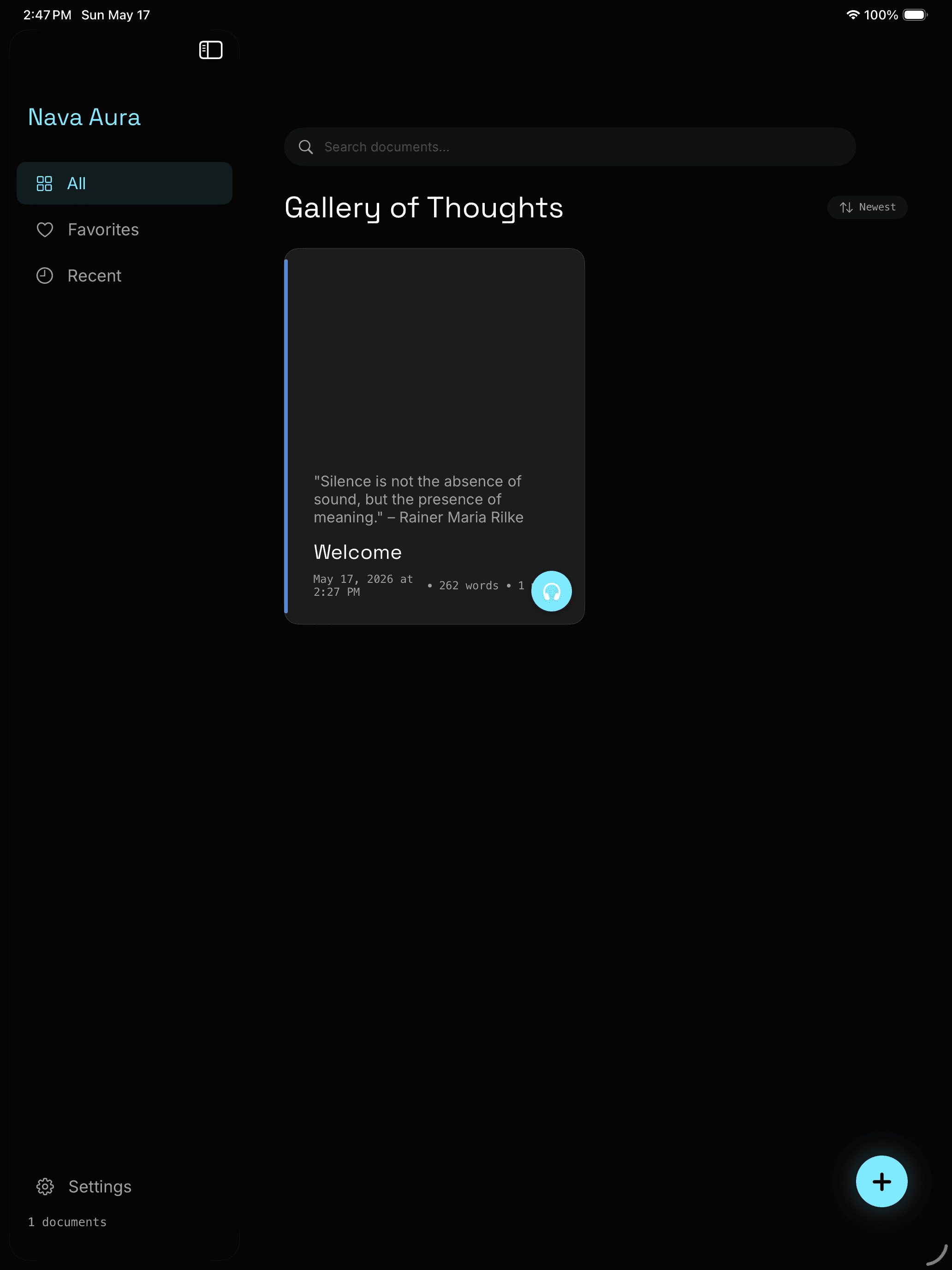
Gallery of Thoughts
Your collection, beautifully arranged.
Version
V.1.0
Category
Productivity
Platform
iPad & iPhone
Processing
On-Device
Capabilities
Write. Read. Listen.
The Sensory Editor
Write with live markdown formatting, Apple Pencil Scribble, and dictation. Full CommonMark + GitHub Flavored Markdown support.
The Alchemist's Silence
A distraction-free reading view with clean, beautifully rendered typography. Let your words breathe.
The Resonance
Agent Maya reads your documents aloud with 50+ voice options, adjustable pace, and word-by-word highlighting.
Apple Intelligence
Smart Summarize, Auto-Tag, Writing Assist, Ask Maya, and Smart Dictation Cleanup. All running entirely on-device.
Camera OCR
Scan physical documents and convert them to editable markdown text using on-device Apple Vision processing.
Themes & Organization
3 beautiful themes: Obsidian, Artisan Paper, Minimal. Collections, favorites, and outline navigation for large documents.
Getting Started
How it works
Nava Aura is built for one thing above all: absorbing your documents by ear, not just by eye.
- 01
Add a document
Import a markdown file, paste in text, or scan paper with your camera. Sample documents are included, so you can start in seconds.
- 02
Read it, or listen to it
Read on screen in a clean, distraction-free view, or tap the headphones icon to have any document read aloud with natural on-device text-to-speech. Adjust the voice, pace, and follow along with word-by-word highlighting.
- 03
Listen anywhere
Lock your device or switch to another app and playback keeps going, the same way a podcast or audiobook does. Lock Screen and Control Center controls are built in, so you can listen on a walk, on a commute, or while resting your eyes.
No account, no subscription, no setup. Open the app and start listening.
Your data stays yours
All AI features run on-device. No subscriptions. No accounts. No data leaves your device.
Privacy
Privacy by Design
Your documents, AI summaries, and Ask Maya prompts never leave your device. No accounts, no cloud storage, no advertising. Nava Aura collects only anonymous diagnostic and usage data to improve performance and reliability, which you can turn off in Nava Aura’s Settings at any time.